PAN Card Not Delivered? Reasons & Solutions (Complete 2026 Guide)
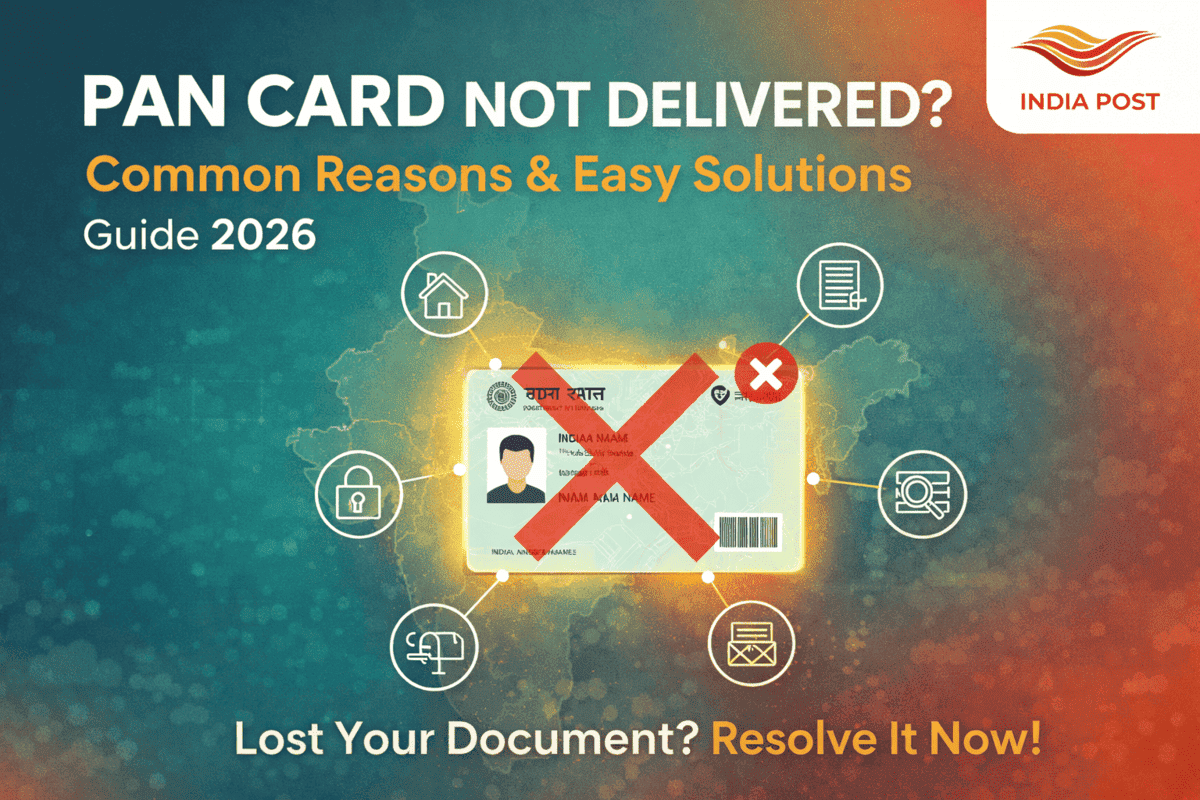
If your PAN card has been dispatched via Speed Post but hasn’t reached you yet, don’t panic. Delivery delays can happen for several reasons, and in most cases the issue can be resolved quickly. This guide explains the common causes, what each situation means, and what you can do next. Whether you applied through NSDL, UTIITSL, or requested a reprint, this updated 2026 guide covers everything you need to know.
How PAN Card Delivery Works
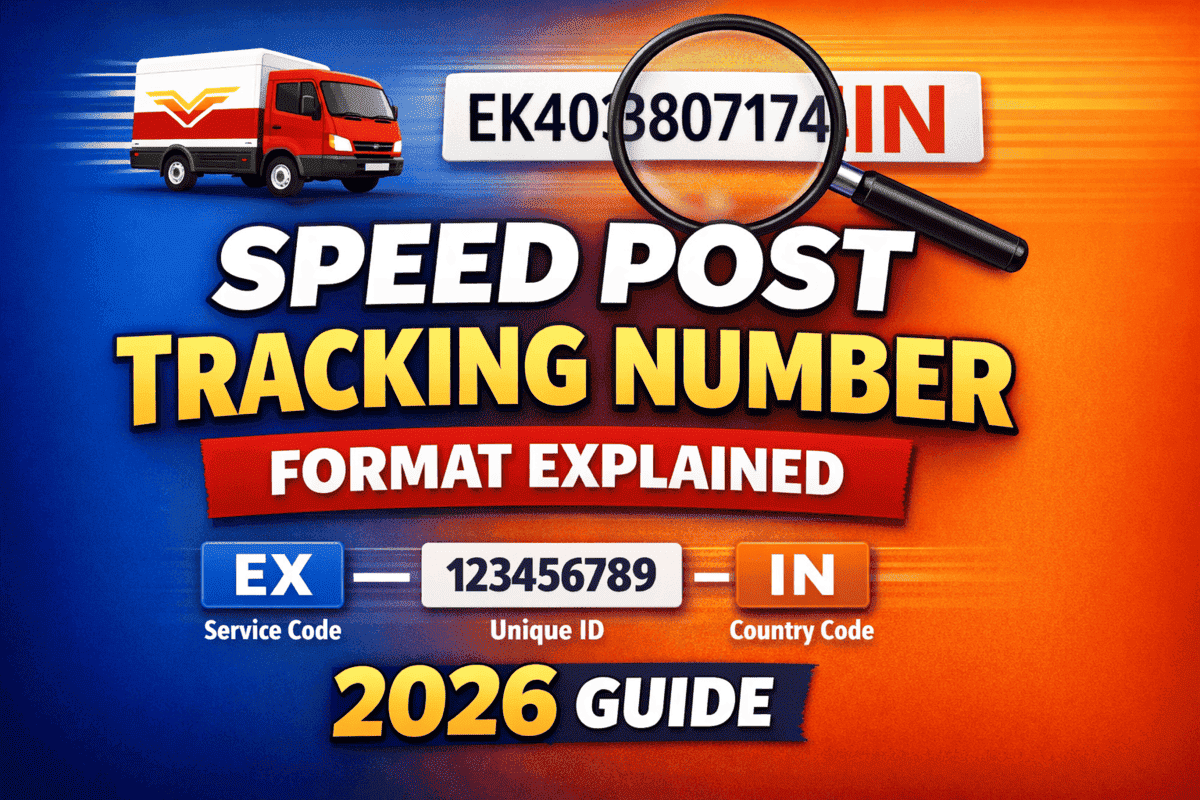
After your PAN card is printed, NSDL or UTI hands it over to India Post Speed Post. A 13-digit tracking number is generated, and the parcel moves through several stages before reaching you:
- Booking Post Office
- Sorting Hub
- Transit Centers
- Destination Post Office
- Your Delivery Address
If there is a delay at any stage, delivery may take longer than expected.
Common Reasons Why PAN Card Is Not Delivered
1. Incorrect or Incomplete Address
This is the most common reason for failed delivery. Missing house numbers, wrong PIN codes, or unclear landmarks can make it difficult for the postman to locate your address.
2. Receiver Not Available at Home
If no one is present when delivery is attempted, tracking may show messages like:
- Addressee Not Available
- Unsuccessful Delivery Attempt
- Door Locked
3. Wrong or Inactive Mobile Number
In some areas, the postman may try to call before delivery. If your number is unreachable, delivery might get delayed.
4. Delay at Sorting Center
During busy periods, holidays, or high dispatch volumes, parcels may take extra time to move between sorting hubs.
5. Address Changed After Application
If you moved to a new location after applying, the PAN card will still be sent to the old address.
6. Limited Delivery in Certain Areas
In some rural or remote areas, delivery may not happen daily and could be scheduled on alternate days.
7. Item Returned to Sender (RTS)
If delivery fails multiple times, the PAN card is sent back to NSDL or UTI.
How to Check PAN Card Delivery Status
1. Get Tracking Number from NSDL
- Visit the NSDL PAN status page.
- Enter your Acknowledgement Number.
- You will see your Speed Post tracking number.
2. Get Tracking Number from UTIITSL
- Open the UTI PAN status page.
- Enter your Application Coupon Number.
- Your tracking number will be displayed.
3. Track PAN Delivery via India Post
You may see updates like:
- Item Booked
- Item Dispatched
- In-Transit
- Received at Delivery Office
- Out for Delivery
- Delivered
- Returned to Sender
PAN Delivery Status — Meaning Explained
Item Booked
Your PAN card has been handed over to India Post.
Item Dispatched
The parcel has left one facility and is moving to the next.
In-Transit
The parcel is currently traveling between cities or sorting centers.
Item Received for Delivery
Your PAN card has reached the local delivery post office.
Out for Delivery
The postman is on the way to deliver your PAN card.
Delivered
The PAN card has been successfully delivered.
Returned to Sender (RTS)
Delivery could not be completed, and the parcel is being sent back.
What to Do If PAN Card Is Not Delivered
1. Call Your Local Delivery Post Office
Share the following details:
- Tracking ID
- Your name and full address
- Registered mobile number
2. Contact NSDL or UTI Support
- NSDL Helpline: 020 – 2721 8080
- UTI Helpline: 1800 266 283
3. Raise a Complaint on the India Post Website
4. Visit the Delivery Post Office
Sometimes the parcel is already there but hasn’t been scanned properly for delivery.
PAN Card Returned to Sender — What You Should Do
- Visit the NSDL or UTI portal.
- Check and correct your address if needed.
- Request re-dispatch.
- Pay the reprint fee (if applicable).
Returned PAN cards are usually held for up to 90 days.
Tips to Avoid PAN Delivery Problems
- Enter your full address with a clear landmark
- Double-check the PIN code
- Keep your registered mobile number active
- Track the parcel regularly after dispatch
- If delayed, consider collecting it from the post office
Frequently Asked Questions (FAQ)
1. My PAN card is not delivered even after 10 days. What should I do?
Visit your local post office with the tracking ID and ask for an update.
2. Can I track my PAN card without a tracking number?
Yes. You can retrieve the tracking number from the NSDL or UTI portal using your application details.
3. Why is tracking not updating?
This can happen due to delays at sorting centers or scanning issues during transit.
4. My PAN card was returned. How can I get it back?
You can request re-dispatch through the NSDL or UTI website after confirming your address.
5. Can I collect the PAN card directly from the post office?
Yes, in many cases you can collect it by showing valid ID proof.