How to Track Speed Post From Mobile (Step-by-Step Guide – 2026)
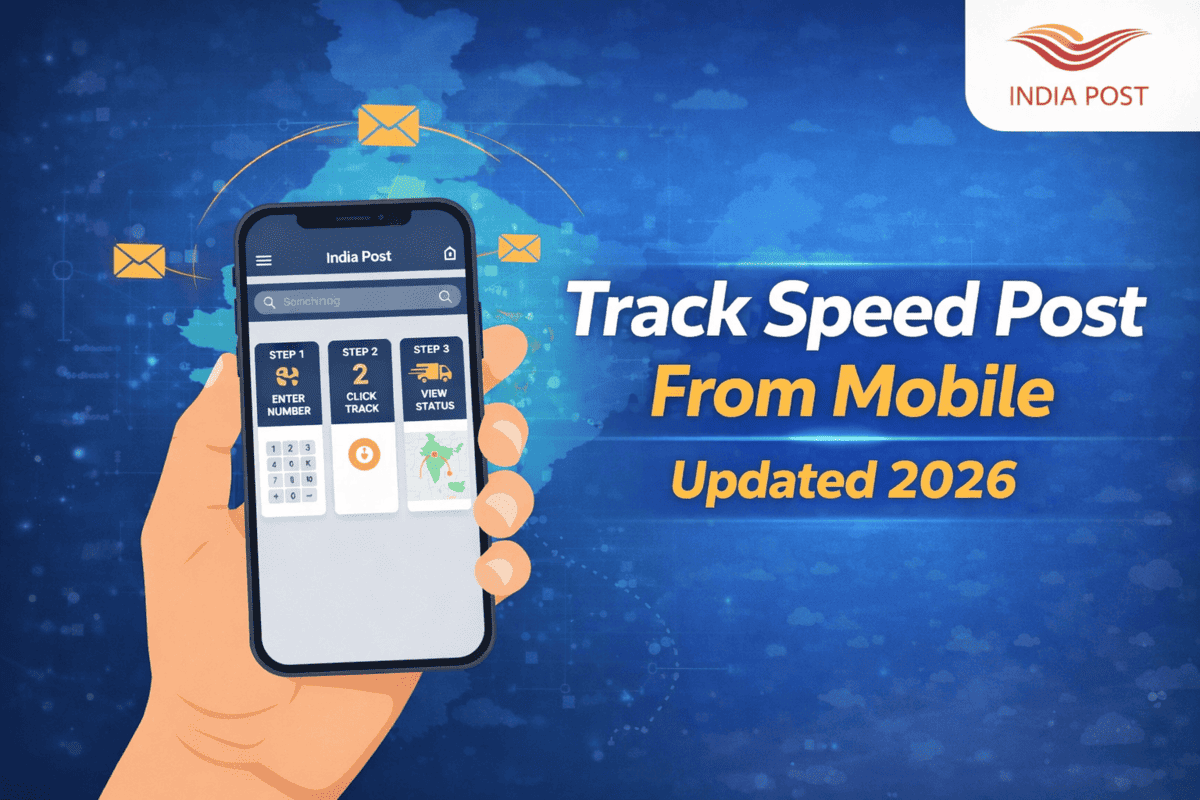
You can easily track your Speed Post parcel directly from your mobile phone. India Post provides five mobile-friendly tracking methods, including browser tracking, mobile app, SMS, WhatsApp, and alternative government platforms.
The easiest way is using our mobile-friendly Speed Post tracking page.
This complete 2026 guide explains every method step-by-step.
📱 Method 1 — Track Speed Post Using Mobile Browser
This is the fastest and easiest method.
- Open your mobile browser (Chrome, Safari, Firefox).
- Visit IndiaSpeedPost.com or the official India Post tracking page.
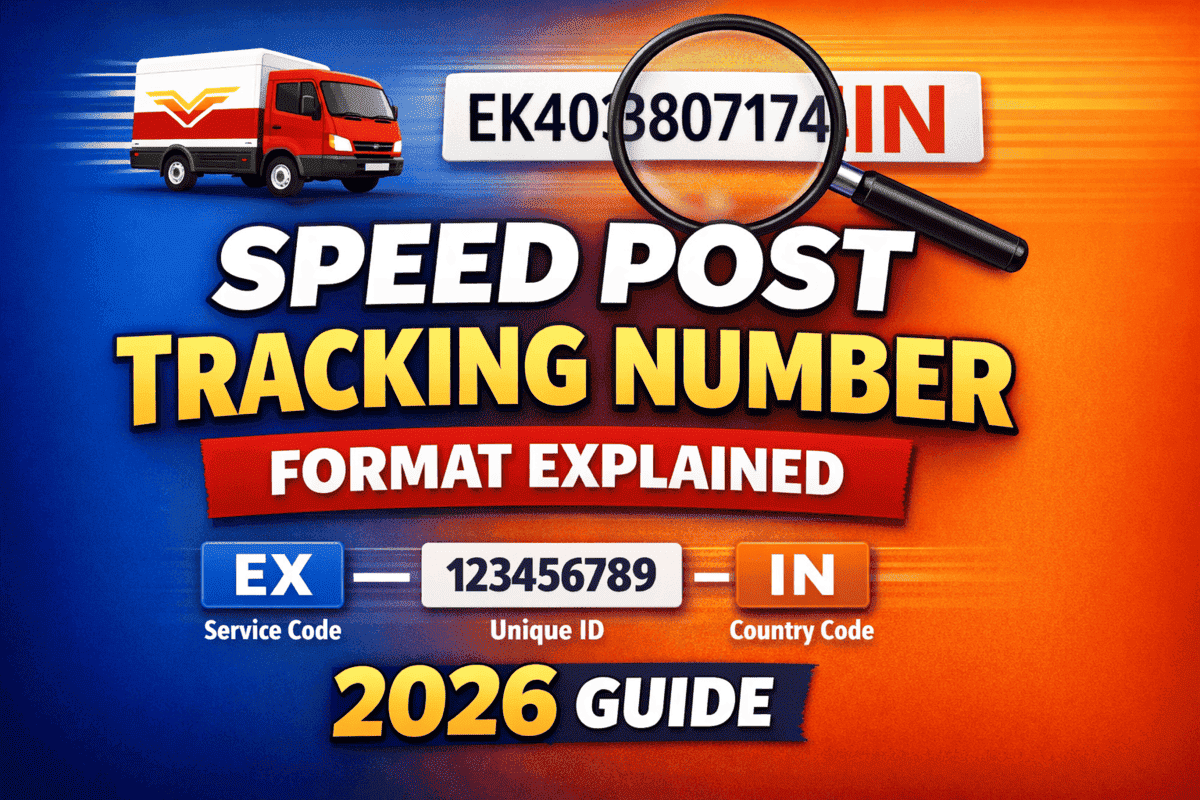
- Enter your 13-digit Speed Post tracking number (EXXXXXXXXXIN).
- Tap Track Now.
You will instantly see the parcel location and delivery status.
📦 Method 2 — Track Using India Post Mobile App
India Post provides an official mobile application for tracking.
Steps:
- Download the PostInfo app from Play Store or App Store.
- Open the app → Select Track Consignment.
- Enter your Speed Post tracking ID.
- Tap Get Status.
The app shows the same tracking information as the website.
💬 Method 3 — Track Speed Post Using SMS (Offline Method)
If internet access is unavailable, you can track using SMS.
Send SMS:
POST TRACK <TrackingID>
Example:
POST TRACK EX123456789IN
Send to:
166 or 51969
You will receive the latest tracking status within seconds.
📲 Method 4 — Track Speed Post Using WhatsApp
India Post has started limited WhatsApp-based tracking services in selected regions.
- Save the India Post WhatsApp number available in your state.
- Send message: Track <TrackingID>.
If supported, you will receive instant tracking updates.
🌐 Method 5 — Track From Government Document Apps
If your Speed Post contains government documents, you can track dispatch information using related apps:
- 🪪 PAN Card — NSDL / UTI portal
- 🛂 Passport — Passport Seva App
- 📘 Aadhaar — mAadhaar App
- 🚗 Driving License — Parivahan App
These apps often display the Speed Post tracking number and delivery updates.
🔥 Bonus Tip — Enable Mobile Notifications
You may automatically receive SMS alerts when your parcel is:
- Booked
- Dispatched
- Out for Delivery
- Delivered
This works when your mobile number is provided during booking.
❓ FAQ
Can I track Speed Post without a tracking number?
No. The consignment number is required for tracking.
What is the official Speed Post tracking app?
The official app is PostInfo by India Post.
Is SMS tracking available for all users?
Yes, SMS tracking works on all mobile operators.
Can I track Speed Post via WhatsApp?
WhatsApp tracking is available only in selected regions.
Is tracking updated in real time?
Yes, although updates may sometimes be delayed by 2–12 hours.
Whether you use SMS, mobile app, or browser, you can always use our Speed Post tracking tool for a clean and fast tracking experience.