| Delay Time | Recommended Action |
|---|---|
| 0–12 hours | Normal — Wait |
| 12–24 hours | Track again |
| 24–48 hours | Check NSDL / UTI portal |
| 48–72 hours | Contact local post office |
| 72+ hours | Raise complaint |
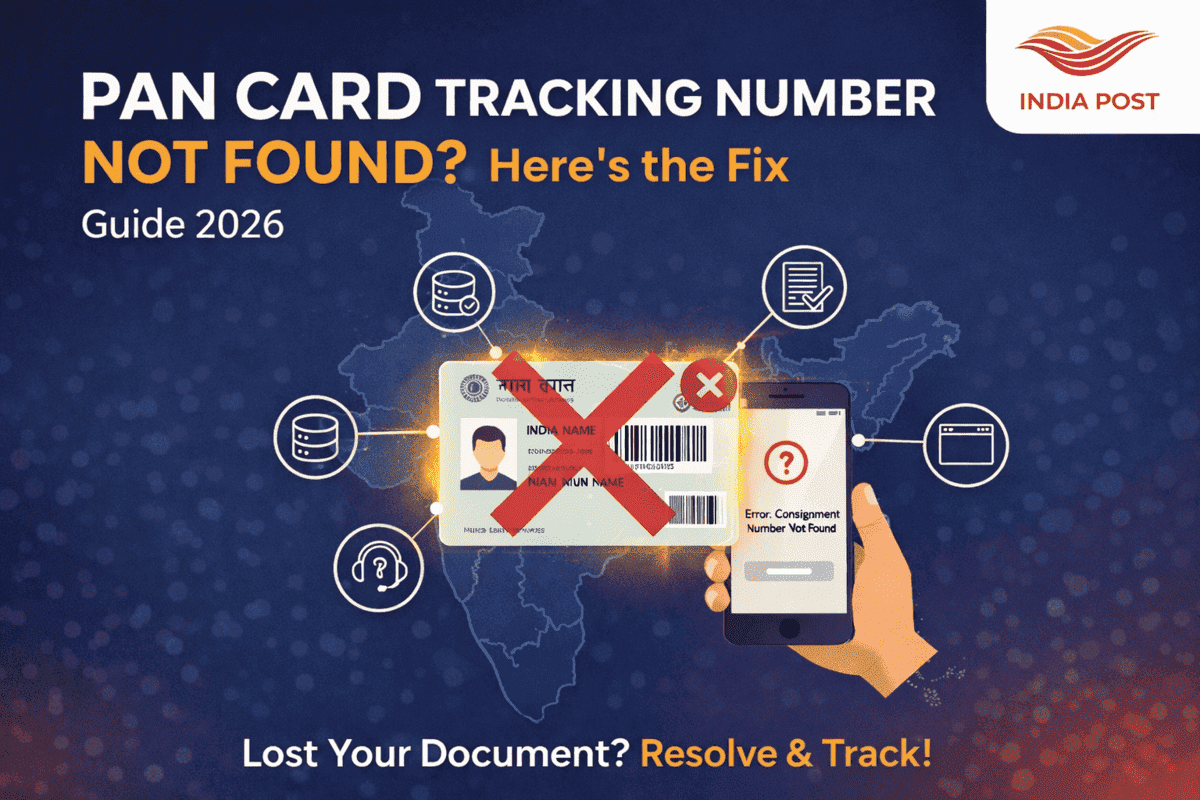
PAN Card Tracking Number Not Found? Here is the Fix (2026 Guide)
Published on 29 Jan 2026 · By Pradeep Mishra 🔄 Last Updated:
21 Feb 2026
✍️ Reviewed by IndiaSpeedPost Editorial Team
📅 Important Overview
PAN Card Tracking Number Not Found? Here Is the Fix (2026 Guide)
If you applied for a PAN card and your Speed Post tracking number shows “Not Found” or “No Records Found”, don’t worry. This is a common issue and usually resolves automatically within a few hours. This guide explains the reasons behind the problem and the exact steps to fix it.
📌 Why PAN Tracking Number Shows “Not Found”
1. Tracking Data Not Uploaded Yet
NSDL or UTIITSL may have dispatched your PAN card, but India Post has not yet uploaded tracking data.
2. PAN Card Printed but Not Dispatched
Your PAN card may be printed but still waiting to be handed over to India Post.
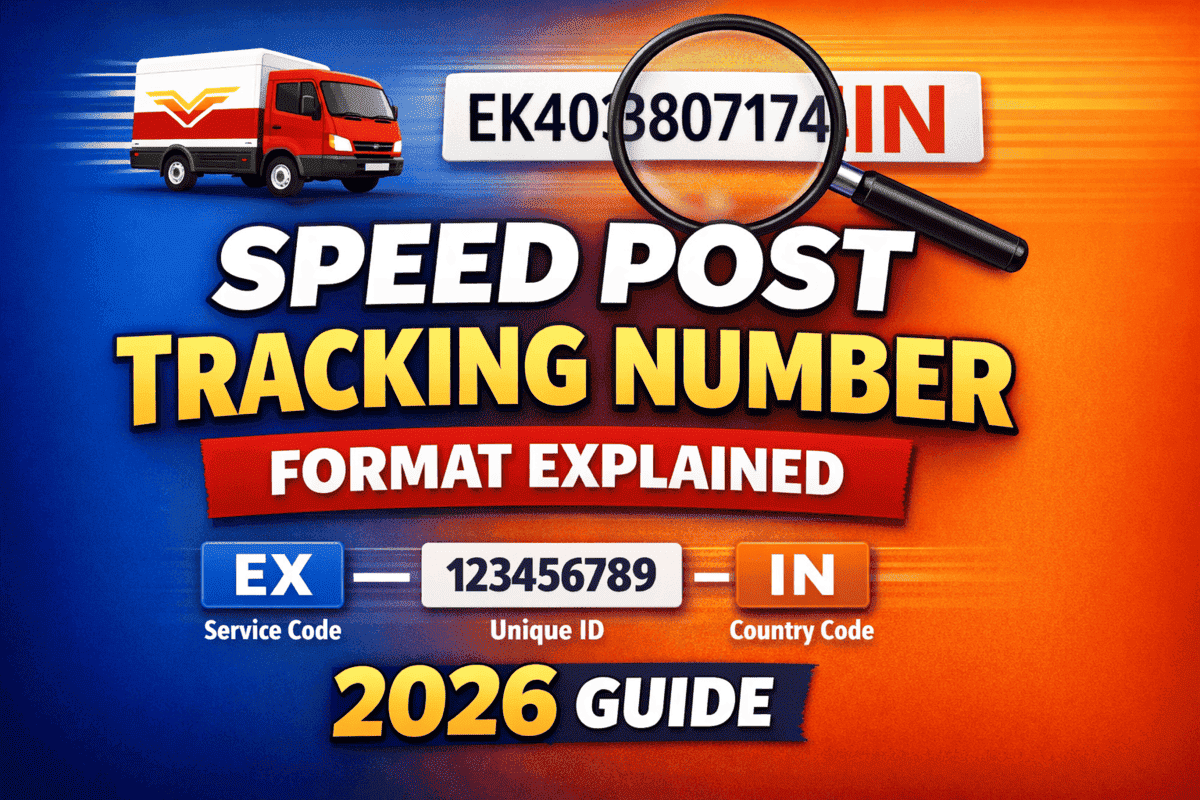
3. Incorrect Tracking Number Format
The correct Speed Post format is EXXXXXXXXXIN.
4. NSDL / UTI Portal Update Delay
The tracking number may be generated but not immediately visible on the portal.
5. India Post Scanning Delay
If the parcel has not received its first scan at the sorting center, tracking will not activate.
6. High Dispatch Load
During tax season (February–April), holidays, or festivals, tracking activation may be delayed.
🛠 How to Fix “PAN Tracking Number Not Found”
1. Recheck Your Tracking Number
Ensure characters are correct and not confused:
- O ↔ 0
- I ↔ 1
- N ↔ M
2. Retrieve Tracking Number Again
✔ For NSDL Users
- Visit the NSDL PAN Status page.
- Enter your Acknowledgement Number.
- Copy the Speed Post tracking number again.
✔ For UTIITSL Users
- Open the UTIITSL PAN Status page.
- Enter your Application Coupon Number.
- Copy the tracking number shown.
3. Try Tracking on Different Platforms
- IndiaSpeedPost.com
- Official India Post Website
- India Post Mobile App
4. Wait 12–24 Hours ⏳
Tracking usually activates within 6–24 hours after dispatch.
5. Contact Local Delivery Post Office
Provide:
- Name
- Mobile Number
- Address
- Approximate Dispatch Date
6. Contact NSDL / UTIITSL Support
- NSDL: 020-2721 8080
- UTIITSL: 1800-266-283
7. Raise Complaint with India Post
Visit India Post → Complaints → Select Mail Related Complaint and submit your request.
⏱ How Long Should You Wait?
| Delay Time | Recommended Action |
|---|---|
| 0–12 hours | Normal — Wait |
| 12–24 hours | Track again |
| 24–48 hours | Check NSDL / UTI portal |
| 48–72 hours | Contact local post office |
| 72+ hours | Raise complaint |
❓ Frequently Asked Questions
Why does India Post show “No Records Found”?
The parcel has not yet been scanned into the India Post tracking system.
Can PAN card be delivered without tracking updates?
Yes. Sometimes delivery happens before online tracking activates.
How can I retrieve my PAN tracking number?
Use the NSDL or UTIITSL status portal with your acknowledgement or coupon number.
How long does tracking activation take?
Usually 6–24 hours, sometimes up to 48 hours.
Who should I contact if tracking never activates?
Contact your local post office or NSDL / UTIITSL support.
Track Your PAN Card
TRACK NOW
📌 Also Read
Tags
🔗 Related Posts