Speed Post Showing Delivered But Not Received – What To Do
Sometimes when tracking a Speed Post parcel, the status may show "Delivered" even though the recipient has not actually received the parcel. This situation can be confusing and stressful, especially when important documents or valuable items are involved.
In this guide we explain why Speed Post may show delivered even when the parcel is not received, and what steps you should take to resolve the issue.
Before taking any action, first check your shipment status using our Speed Post Tracking Tool.
Why Speed Post Shows Delivered But Parcel Is Not Received
There are several possible reasons why a Speed Post parcel may appear delivered in the tracking system even if you have not received it.
1. Parcel Delivered to a Family Member
Sometimes the delivery officer may hand over the parcel to another person at the same address such as a family member, colleague, or neighbor.
2. Parcel Delivered to Security or Reception
In apartments, offices, or hostels, parcels are often handed over to security guards or reception desks.
3. Incorrect Delivery Scan
In rare cases, the parcel may be scanned as delivered before the actual delivery is completed.
4. Wrong Address Delivery
The parcel may have been delivered to the wrong address due to a similar address or incorrect PIN code.
5. Parcel Left at Doorstep
If nobody is available at home, the delivery officer may leave the parcel at the doorstep or with a nearby neighbor.
First Things You Should Check
Before filing a complaint, check the following:
- Ask family members if they received the parcel
- Check with neighbors or building security
- Confirm the delivery address
- Check the delivery time mentioned in tracking
Steps to Take If Speed Post Parcel Is Missing
Step 1: Contact the Local Post Office
The fastest solution is to contact the destination post office where the parcel was delivered. Provide the tracking number and ask for delivery details.
Step 2: Speak to the Delivery Postman
The local post office can check which delivery officer handled the parcel. They may contact the delivery staff to verify the exact delivery location.
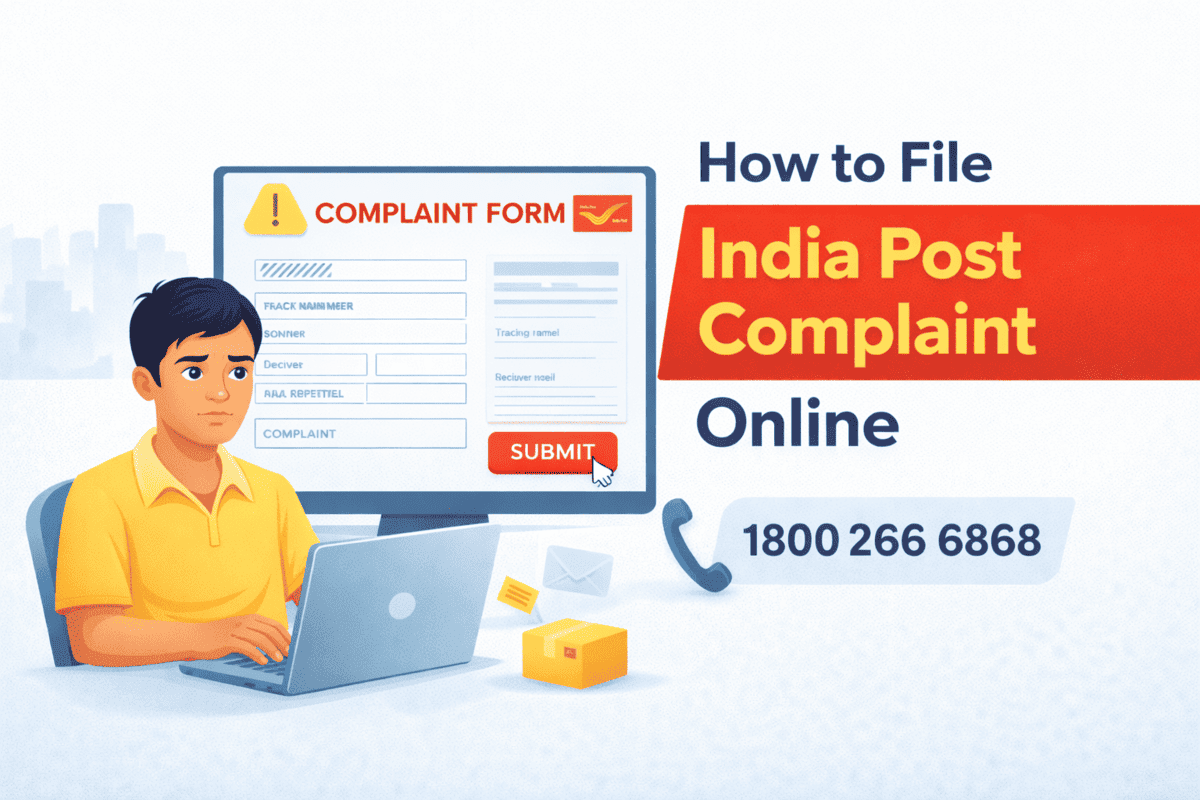
Step 3: Register an India Post Complaint
If the parcel cannot be located, you should file an official complaint through India Post customer support.
Step 4: Provide Proof of Shipment
You may need to provide the Speed Post receipt and tracking number as proof.
India Post Customer Care Details
- Customer Care Number: 1800 266 6868
- India Post Website Complaint Portal
- Nearest Post Office
How Long Investigation Takes
Most Speed Post delivery complaints are investigated within 3 to 7 working days.
During the investigation, the post office will verify delivery records and contact the delivery staff.
Can You Get Compensation?
In certain cases where the parcel is lost or incorrectly delivered, India Post may provide compensation depending on the service type and declared parcel value.
Tips to Avoid Delivery Issues
- Always provide a complete address with PIN code
- Add a contact phone number on the parcel
- Track the parcel regularly
- Ensure someone is available at the delivery address
Frequently Asked Questions
Why does Speed Post show delivered early?
Sometimes parcels are scanned before the final delivery is completed.
Can Speed Post tracking be wrong?
Tracking errors are rare but can happen due to system or scanning issues.
What if my parcel was delivered to the wrong address?
Contact the local post office immediately with your tracking number.
How do I track my parcel again?
You can check your shipment status using our Speed Post Tracking Tool.